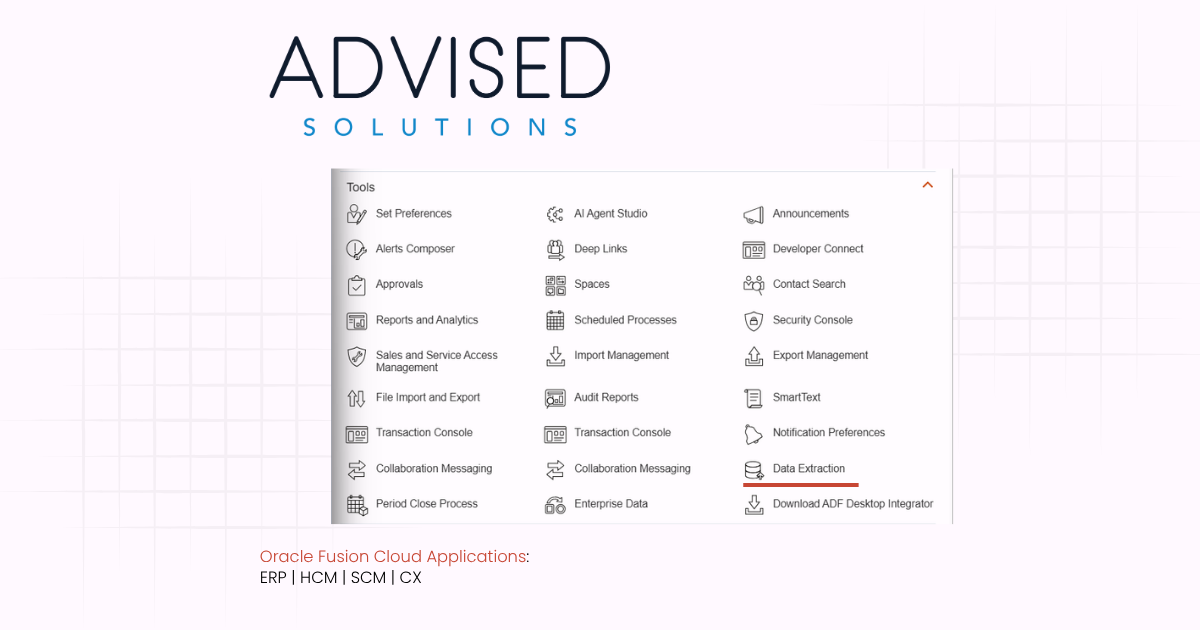

How to Provision Users for BICC Console and UCM Content Access in Oracle Cloud ERP
Oracle BI Cloud Connector (BICC) is a powerful tool for extracting Fusion Cloud data for analytics, warehousing, or integration. To use BICC effectively, users need appropriate roles for both extracting data and accessing the output files stored on Oracle Universal Content Management (UCM). The key roles for these tasks are BIACM_ADMIN for the BICC Console, and BICC_UCM_CONTENT_ADMIN for UCM content access.
Provisioning Access to BICC Console: BIACM_ADMIN
To grant a user access to the BICC Console:
-
Sign in to Oracle Applications Cloud with Security Manager privileges.
-
Go to Navigator > Tools > Security Console.
-
Select the Roles tab and click Create to start a new role.
-
On the Basic Information page, enter:
-
Role Name: BIACM_ADMIN
-
Role Code: BIACM_ADMIN
-
Role Category: BI – Abstract Roles
-
-
On the Role Hierarchy page, click Add Role and add:
-
ESS Administrator Role (to schedule and manage global extract jobs)
-
ORA_ASM_APPLICATION_IMPLEMENTATION_ADMIN_ABSTRACT (for access to global offerings, data stores, and jobs)
-
-
Skip other configuration pages, and on the Users page, click Add User to assign your targeted user.
-
Complete the setup and Save and Close.
This empowers the user to create, configure, and schedule extracts in BICC.
Provisioning Access to BICC Content on UCM: BICC_UCM_CONTENT_ADMIN
To allow users to view and download BICC-generated extract files on UCM:
-
Go to the Security Console and start Create Role.
-
Enter:
-
Role Name: BICC_UCM_CONTENT_ADMIN
-
Role Code: BICC_UCM_CONTENT_ADMIN
-
Role Category: BI – Abstract Roles
-
-
On the Role Hierarchy page, click Add Role and include:
-
OBIA_EXTRACTTRANSFORMLOAD_RWD (to view and download extract files from UCM)
-
-
Add users as needed, then Save and Close.
Now, the user can securely access extracted files sent to UCM from Fusion Cloud sources.
Why Are These Roles Important?
-
Segregation of Duties: You control who can schedule extracts (BIACM_ADMIN) and who can access the final data output (BICC_UCM_CONTENT_ADMIN).
-
Security Compliance: Only authorized users can handle sensitive integration data.
-
Operational Flexibility: You can separate admin and content access, minimizing risks and maximizing transparency.
- WIthout the privilege OBIA_EXTRACTTRANSFORMLOAD_RWD you will not be able to “Download Sample CSV file”, you will encounter the dreaded message “The data store test was executed successfully. You do not have permission to download the data.”
Best Practices
-
Regularly review and audit user memberships for both roles.
-
Only assign these roles to users requiring direct access.
-
Educate users about their responsibilities and data sensitivity in both the BICC Console and UCM.
By correctly provisioning users with BIACM_ADMIN and BICC_UCM_CONTENT_ADMIN, you enable efficient, secure data extraction and content access in Oracle Cloud ERP, supporting robust analytics and integration without compromising governance or compliance.
Need some assistance?
Ready to bring clarity to customer, supplier and employee communications? With BI Publisher, we specialise in customising customer, supplier, and employee-facing documents such as invoices, purchase orders, payslips, and statements to meet your exact branding, compliance, and operational needs. From layout design to data logic enhancements, we help you deliver clear, consistent, and impactful outputs across your organization. Contact us today to discover how our expertise in BI Publisher can streamline your document processes and elevate your business communications.